
Written by Chessboard · Updated 2026-10-23
Create a workspace
Choose Start free and sign in with an email code. A new account can create a workspace; invited members can join the workspace they were invited to.
Your first workspace includes a Default team. Free supports five accepted members, one team and 100 tasks. Invite the people who will do and review the work.
Start one project
Give the project an outcome, a short description and a participating team. Add tasks manually with an owner and completion criteria.
In a Paid workspace, open Documents to write the project context or import Markdown, text or a supported ZIP. Free members can read existing documents when authorized.
Keep context useful
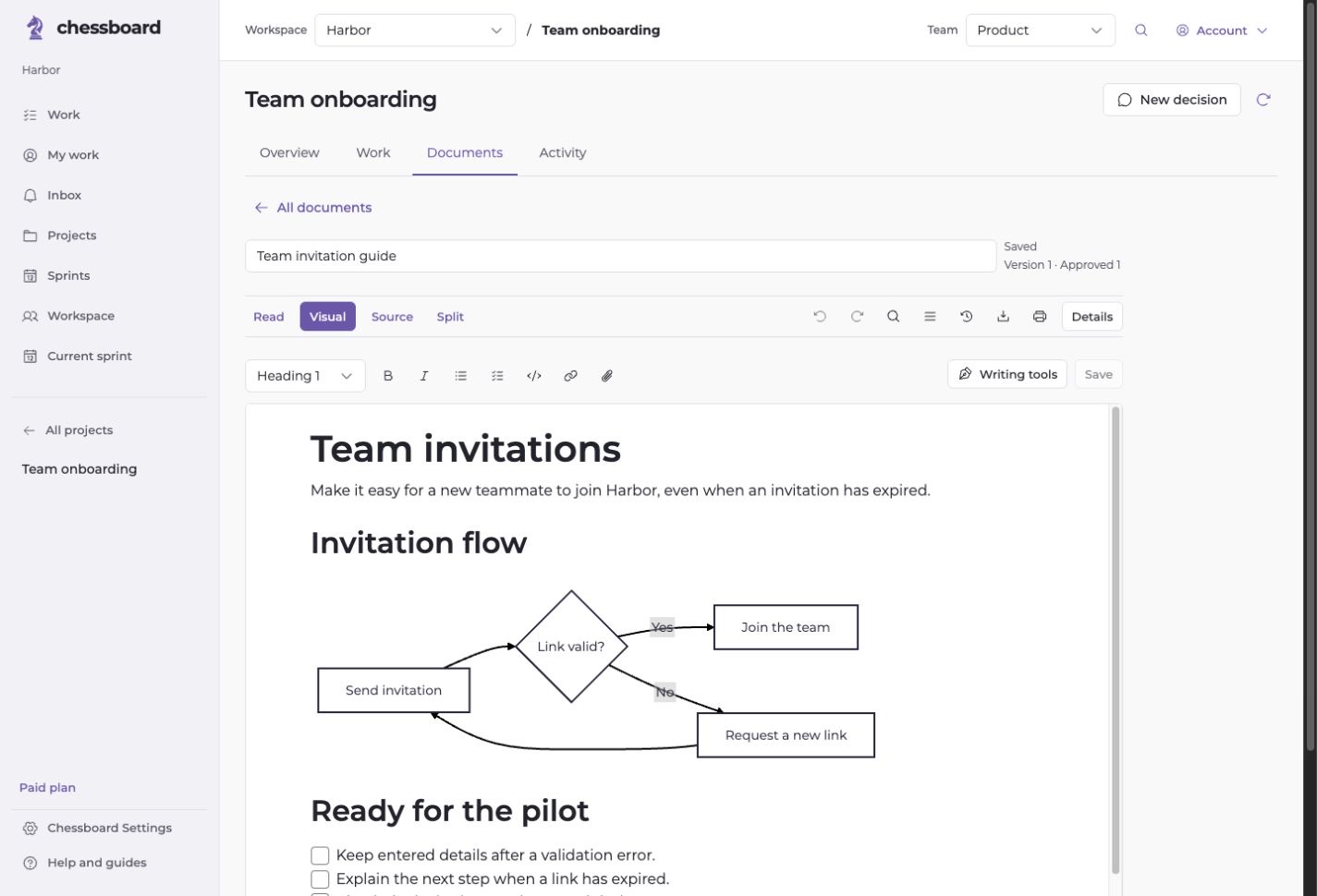
Write the decisions, constraints and handoff details that someone needs to act. Use diagrams to explain a flow and document sections to organize references.
Link the relevant document version or section to a task. Optional project brief analysis and AI assist require Paid and an explicit action.
Plan a small sprint
Set an outcome, review participant capacity and select ready tasks. Include review time and reserve room for interruptions.
Approve the proposal before work starts. Your team chooses the commitments and remains responsible for changes.
Review and continue
Use My work for your own assignments and the board for the shared picture. Keep blockers and status changes on the relevant task.
At the end of the sprint, record observations and choose what belongs next. Start with the work and context you already have.