Written by Chessboard · Updated 2026-10-23
Start from the app
Sign in to Chessboard and open the account’s coding tool or agent connection settings. Follow the setup instructions for your supported client.
The authenticated MCP endpoint is https://app.chessboard.dev/mcp. Prefer the app’s setup instructions for your client rather than copying credentials into a document.
Choose the project and documents
Review the connection’s requested permissions. Document access needs the document scopes, a project grant and explicit sharing of the relevant document.
For your first request, share one short project document. Your workspace and team membership still determine what the connection can access.
Ask for a proposed change
Give the connected tool a bounded request: read the shared invitation requirements and propose an implementation checklist, preserving the expiry and recovery requirements.
The external tool uses its own model account. It does not spend the hosted AI credits bundled with Chessboard.
Compare, accept or reject
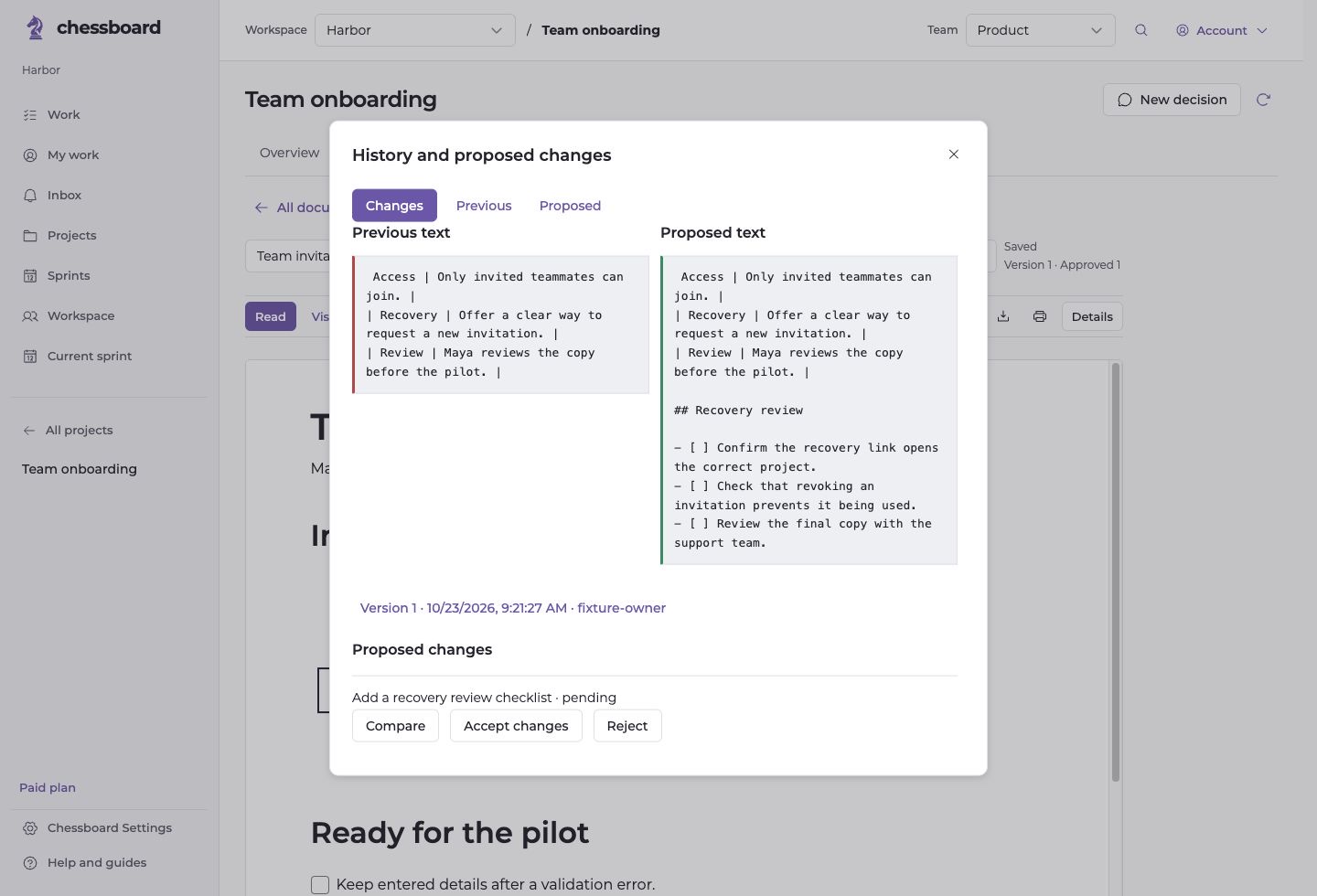
Open the proposed document change in Chessboard. Compare it against the current version and verify the details before accepting it.
If the proposal missed a requirement, reject it or ask for a revised proposal. Revoking the project or document grant removes future access.