
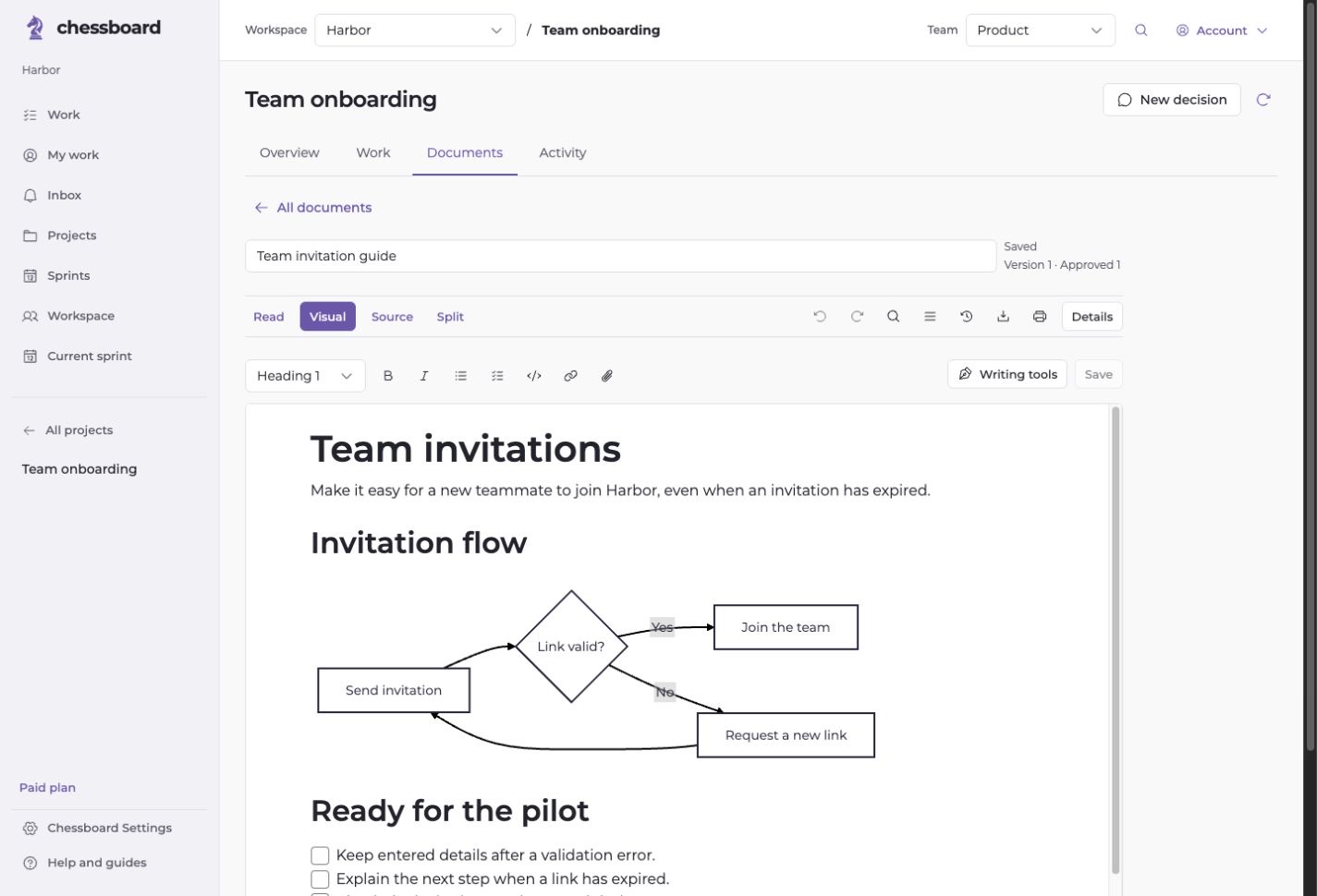
Read, write and inspect the source
Choose Visual for direct editing, Source for Markdown, or Read for a focused document. Desktop Split shows source beside the rendered result. Both editing views share Undo.
Build tables, lists, callouts, diagrams and equations with local templates and structured forms. AI assist remains a separate optional action.
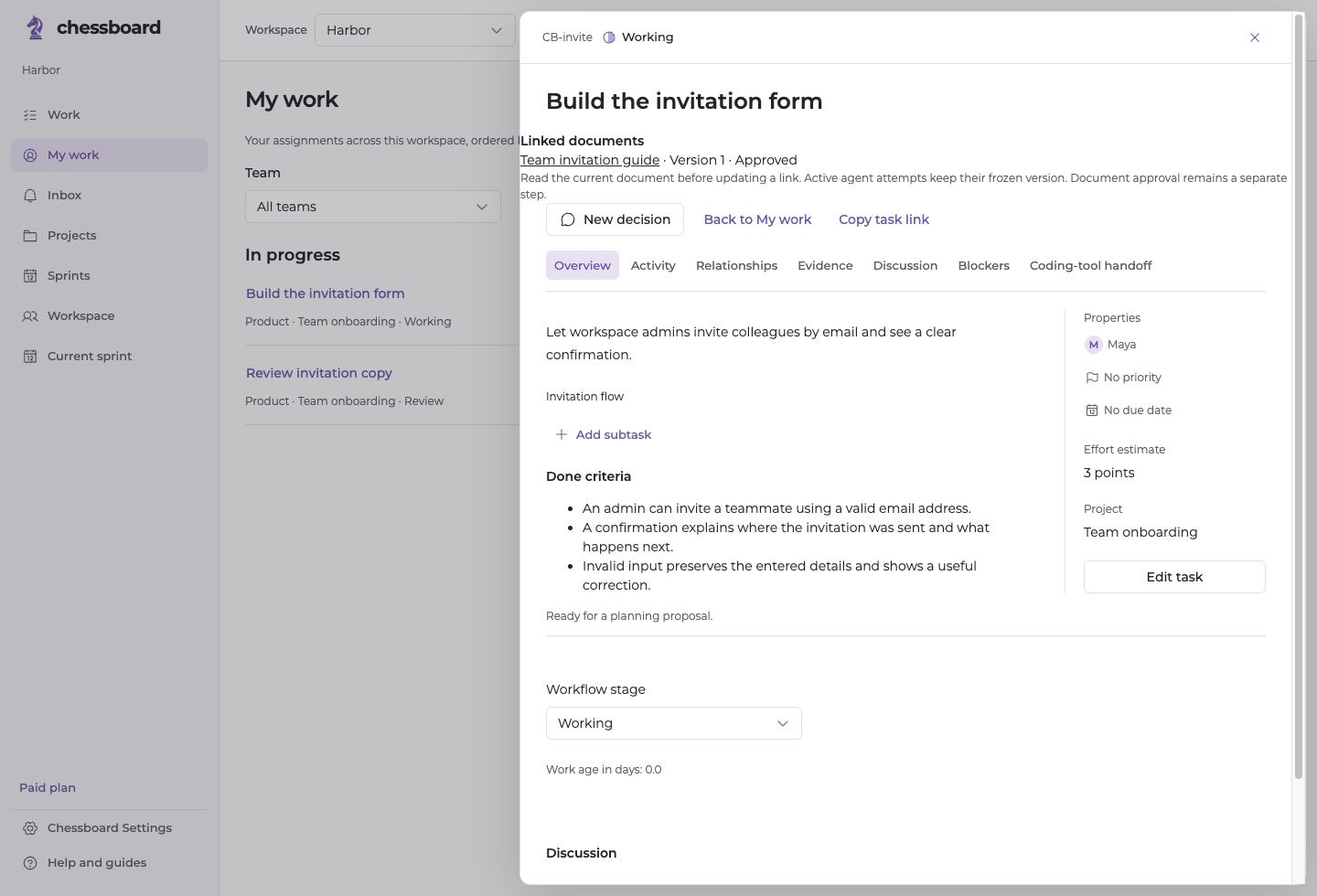
Connect a document to a task
Link a task to a document or section, with the reviewed version recorded. Later edits can flag that reference for review instead of silently changing its meaning.
A document approval records context. It does not approve a task, execute a command or accept an agent result.
Review changes before accepting them
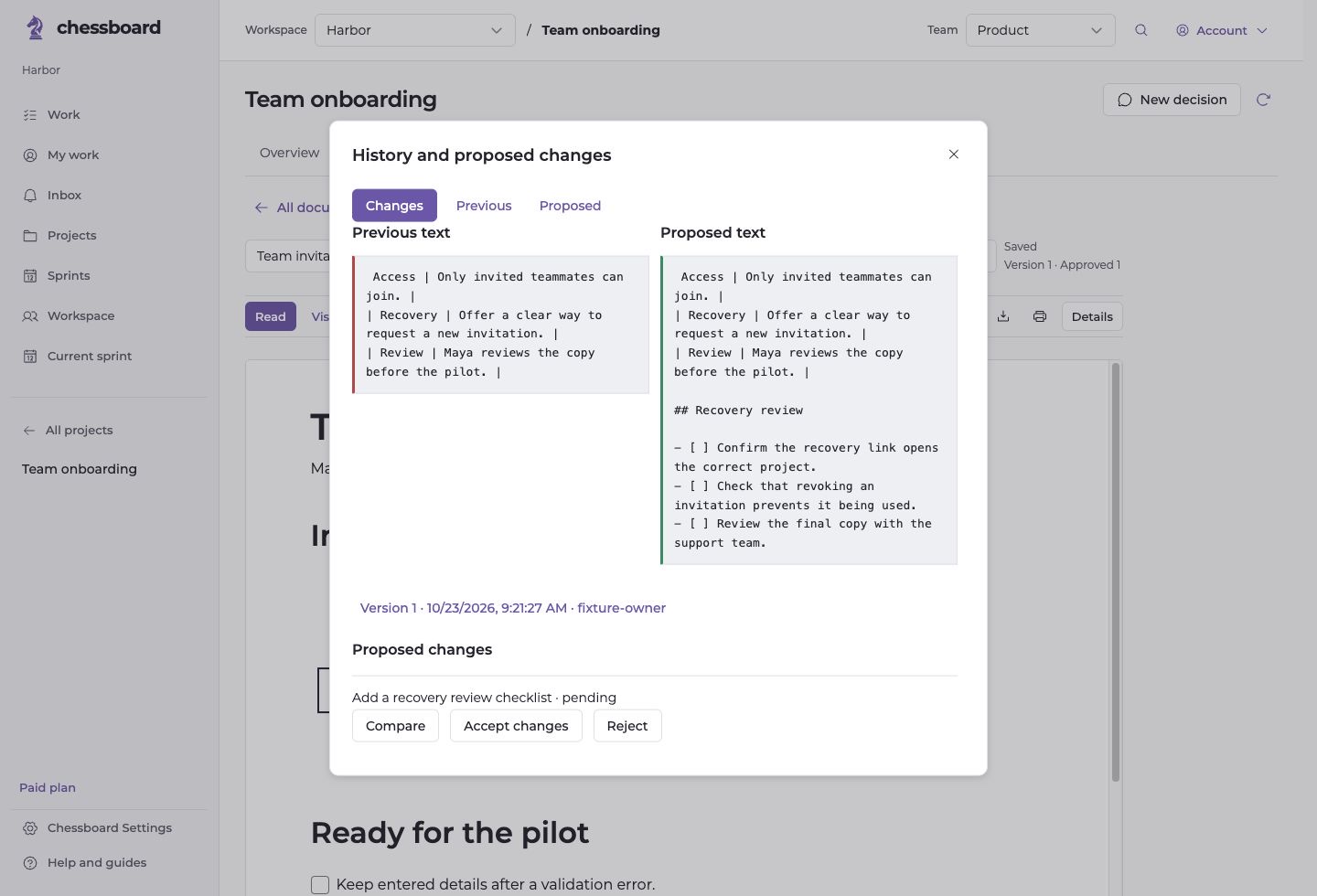
Autosave checks the saved revision and pauses on a conflict. Compare your draft with the saved text or keep a copy. Document history lets you inspect retained versions.
An authorized agent can propose a change to a shared document. A person reviews the comparison and decides whether to accept it. This is revision-based editing, not simultaneous live coediting.
Start with the right access
Paid enables document authoring and imports. Authorized Free members can read and export existing documents. Documents and retained images share the workspace’s fixed 1 GiB allowance.
Import Markdown, text or a supported ZIP, and export the work you need. Uploaded images are optimized in your browser. Review plans and limits.